What Each Part of a Gaming PC Actually Does

Daniel M.
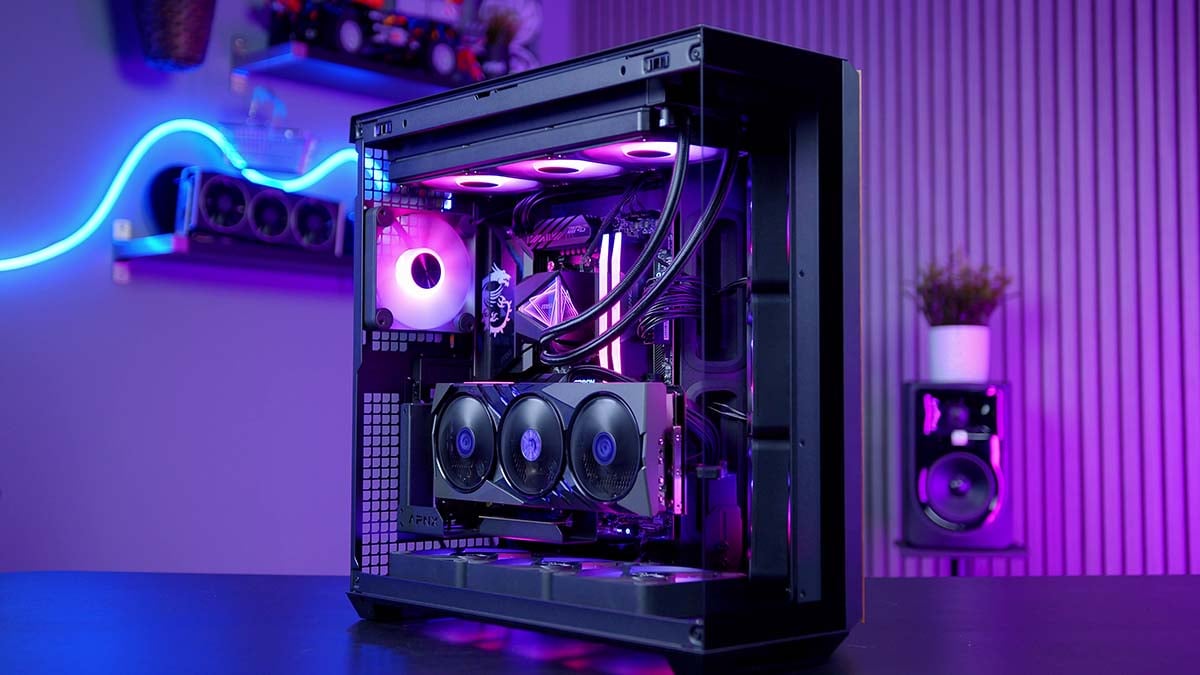
Looking inside a gaming PC can feel like staring into a futuristic machine full of glowing lights, cables, and mysterious parts.
But every component actually has a simple job.
Here’s a quick guide to what each part does—using everyday analogies.
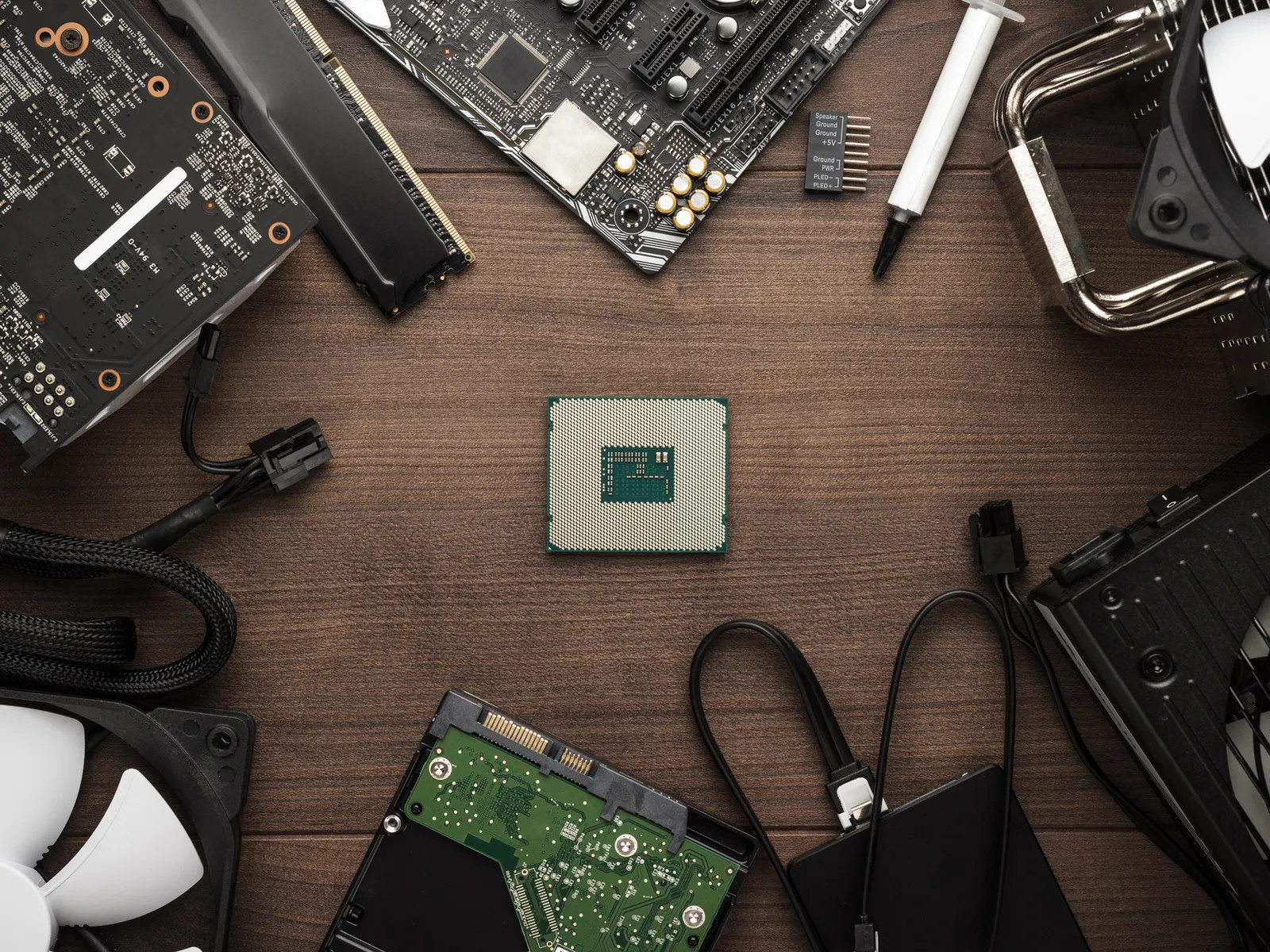
🧠 CPU (Processor) — The Brain / Manager
The Central Processing Unit is the brain of the computer.
It processes instructions and tells everything else what to do.
In games it handles:
• Physics calculations
• Enemy AI
• Game logic
• Background tasks
Analogy:
Think of the CPU as a restaurant manager, coordinating everything so the kitchen runs smoothly.
🎨 GPU (Graphics Card) — The Artist
The Graphics Processing Unit creates the images you see on your screen.
It renders:
• Lighting
• Textures
• Shadows
• 3D environments
Analogy:
Like a digital artist painting the game world dozens of times per second.
A stronger GPU = smoother visuals and better graphics.
🧩 RAM (Memory) — Your Desk
Random Access Memory stores information the computer needs right now.
Games load things like:
• Textures
• Game assets
• Active programs
Analogy:
RAM is like your desk while working.
- Big desk → lots of space to work
- Small desk → constant shuffling
More RAM = smoother multitasking.
🗄 Storage (SSD / HDD) — The Filing Cabinet
Your Solid-State Drive or Hard Disk Drive stores everything permanently.
This includes:
• Your operating system
• Games
• Files
• Software
Analogy:
If RAM is your desk, storage is your filing cabinet.
- SSD: Fast digital filing system
- HDD: Slower paper archive
SSDs dramatically reduce game loading times.
🛣 Motherboard — The Road Network
The Motherboard connects every component in the PC.
It allows the CPU, GPU, RAM, and storage to communicate.
Analogy:
The motherboard is like the road system of a city, letting information travel between buildings.
⚡ Power Supply (PSU) — The Power Plant
The Power Supply Unit converts electricity from your wall into usable power for the PC.
Analogy:
Like a power station supplying electricity to a city.
A reliable PSU protects your components and keeps everything running safely.
❄ Cooling — The Air Conditioning
Gaming PCs generate a lot of heat.
Systems like Computer Cooling Fan setups or Liquid Cooling remove that heat.
Analogy:
Cooling works like air conditioning in a building.
Without it, performance drops and components can overheat.
🏠 PC Case — The House
The Computer Case holds all the components together.
A good case:
• Protects the hardware
• Improves airflow
• Keeps cables organised
Analogy:
It’s simply the house your PC components live in.
🧩 How It All Works Together
A gaming PC is like a well-run city:
| Component | Role |
|---|---|
| CPU | The brain directing tasks |
| GPU | Creates the visuals |
| RAM | Workspace for active tasks |
| Storage | Long-term file storage |
| Motherboard | Connects everything |
| PSU | Supplies power |
| Cooling | Keeps temperatures safe |
| Case | Houses the system |
When these parts are balanced properly, they work together to deliver smooth gameplay and great graphics.
✅ Final Thought
Gaming PCs might look complicated, but they’re really just a team of specialised parts working together.
Once you understand what each component does, choosing or building a PC becomes much easier.